UVC camera modules are commonly described as “driver-free” or “plug-and-play.” In many cases, users can connect the camera to a computer, open an application and start capturing video without installing a separate driver.
However, UVC compatibility does not mean that every camera module will work perfectly with every computer, embedded board, operating system or application.
USB bandwidth, video format, power supply, firmware and software compatibility can all affect the actual performance.
This article explains what a UVC camera module is, what “driver-free” really means and what should be confirmed before selecting one for a device or project.
UVC stands for USB Video Class. It is a standard communication protocol designed for video devices connected through USB.
Common UVC devices include:
A UVC-compatible camera communicates with the host according to a standardized protocol. This allows it to use the UVC driver already built into many operating systems instead of requiring a separate camera-specific driver.
Common supported platforms include:
This standardized communication is the main reason UVC cameras are often described as driver-free.
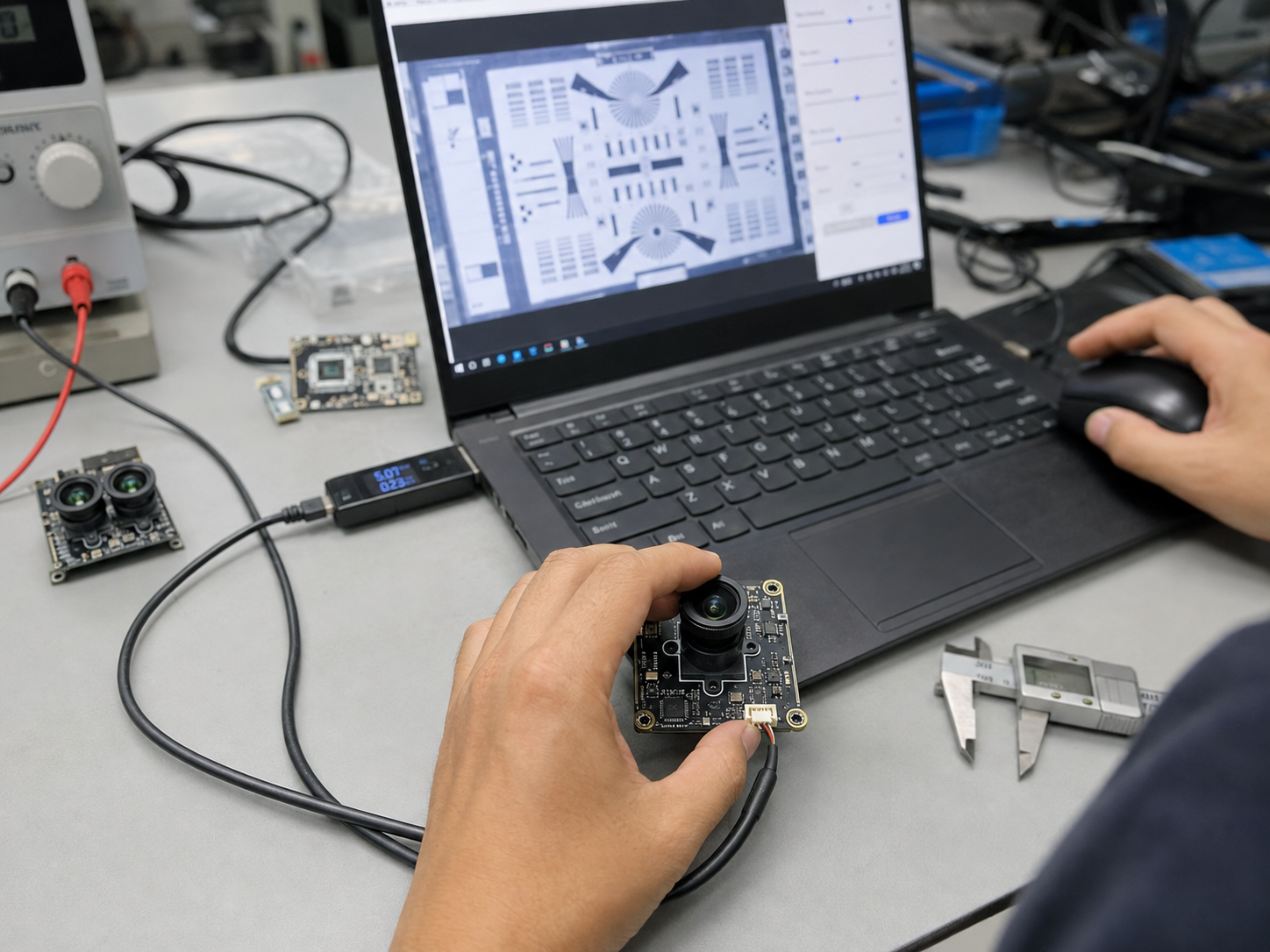
A UVC camera module usually includes more than an image sensor. A complete module may contain:
The sensor captures image data, while the ISP processes exposure, white balance, color, noise reduction and sharpness. The processed video is then converted into a supported format and transmitted to the host through USB.
When connected, the camera reports its supported capabilities, such as:
The operating system reads this information, loads its built-in UVC driver and makes the camera available to compatible applications.
No. A driver-free camera still uses a driver.
The difference is that users normally do not need to install a separate driver supplied by the camera manufacturer. The camera uses the standard UVC driver already included with the operating system.
For conventional computer applications, this can significantly reduce software integration work. However, the operating system must still recognize the camera correctly, and the intended software must support its video format and functions.
Therefore, “driver-free” should be understood as “no additional proprietary driver is normally required,” rather than “the camera does not use a driver.”
For ordinary computer applications, a properly designed UVC camera can often be connected and used immediately.
But true plug-and-play performance depends on the complete system, not only the camera module.
The following six factors are especially important.
Windows, macOS and many Linux systems include UVC support. However, different system versions may support different video formats and camera controls.
A basic video stream may work while functions such as autofocus control, manual exposure, HDR or LED control remain unavailable.
Embedded devices require additional attention. A USB connector does not automatically mean that the platform can operate a UVC camera.
The processor, USB controller, operating system and kernel must all support:
Android devices may also require OTG support, sufficient power and application permission to access the USB camera.
Video transmission requires sufficient USB bandwidth.
USB 2.0 can support many 720P and 1080P applications, as well as some compressed 4K video streams. Higher resolutions, higher frame rates or uncompressed video may require USB 3.0.
Bandwidth depends on:
For example, a camera may be advertised as supporting 4K, but its actual performance depends on the output combination:
Resolution alone does not fully describe camera performance. The resolution, frame rate and video format should always be confirmed together.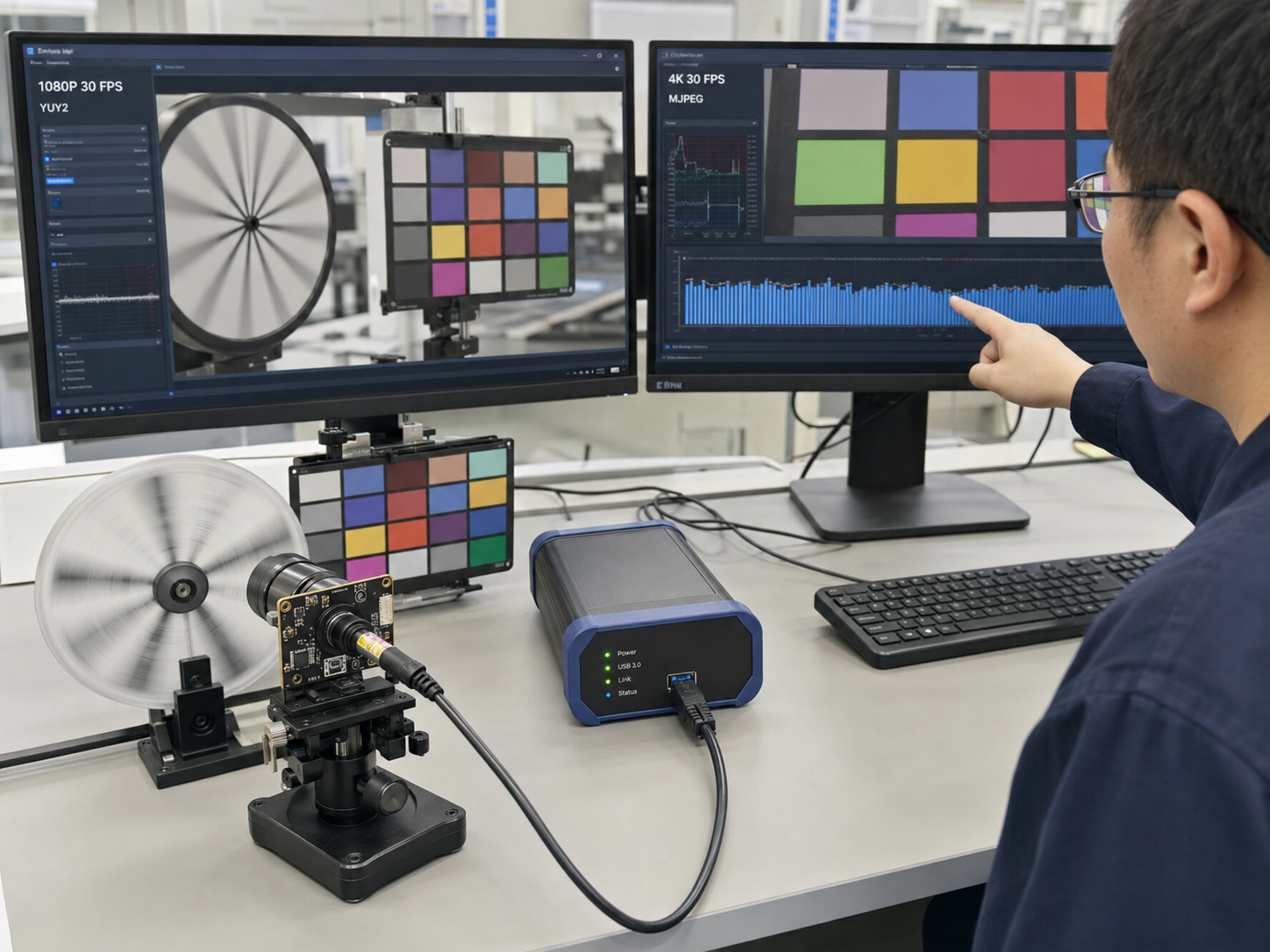
Common UVC video formats include:
YUY2 is an uncompressed format. It provides predictable image quality but consumes more USB bandwidth.
MJPEG compresses each frame individually, reducing bandwidth requirements and making higher resolutions or frame rates possible through USB. However, the host must be able to decode it.
H.264 and H.265 provide more efficient compression, but software support may vary. Some applications cannot automatically recognize these streams.
As a result, a camera may appear correctly in the operating system but show no image in a particular application. The camera’s output format must match the capabilities of the target software.
System recognition does not guarantee that the camera will perform correctly in every application.
Different applications may:
A camera that works in a standard camera application may behave differently in a browser, video-conferencing platform or custom industrial program.
Testing should therefore be performed with the customer’s actual application, not only with a general camera viewer.
USB provides both data transmission and power, but the available current may be limited.
Power consumption can increase when the camera includes:
Insufficient or unstable power can cause recognition failure, repeated disconnection, video interruption or autofocus instability.
Cable quality is equally important. Long or poorly shielded cables may cause:
For embedded products, the camera module, internal cable, adapter board and external USB connection should be tested as one complete signal path.
Firmware determines how the camera reports its capabilities to the host.
Incorrect UVC descriptor or firmware configuration may cause:
Two modules using the same image sensor can provide very different compatibility and image quality because their ISP settings and UVC firmware are different.
Stable plug-and-play performance depends on both hardware design and firmware development.
Standard video streaming can usually use the operating system’s built-in UVC driver. However, specialized functions may still require an SDK, API or dedicated application.
Examples include:
If a project only needs conventional video, standard UVC support may be enough. If deeper control is required, the software and firmware requirements should be discussed before selecting the module.
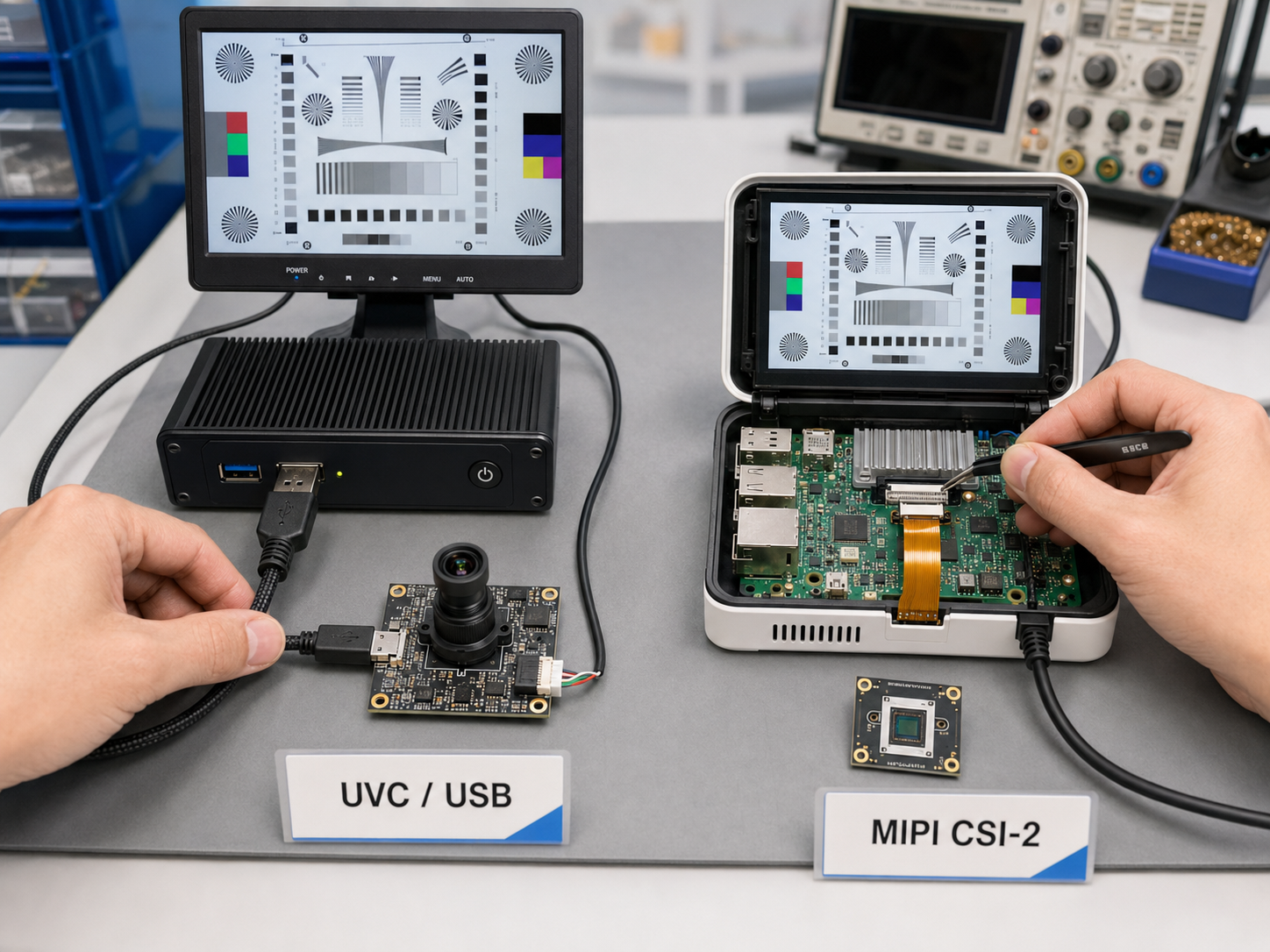
|
Feature |
UVC Camera Module |
MIPI Camera Module |
|
Interface |
USB |
MIPI CSI-2 |
|
Image processing |
Usually completed on the module |
Usually completed by the host processor |
|
Driver requirements |
Often uses a built-in UVC driver |
Usually requires platform-specific integration |
|
Development difficulty |
Lower |
Higher |
|
Connection distance |
More flexible |
Usually intended for short internal connections |
|
Image customization |
Mainly controlled by module firmware |
Greater control through the host ISP |
|
Typical applications |
Computers, industrial terminals and external cameras |
Embedded products and compact devices |
A UVC module is usually more suitable when a project needs faster integration, wider compatibility and lower development effort.
A MIPI module may be more appropriate when the product requires a compact design, direct processor integration, lower system latency or deeper control over the imaging pipeline.
The right choice depends on the host platform and product requirements.
Before mass production, the camera should be tested in the actual system.
Recommended tests include:
For industrial, medical or customized equipment, showing an image on a computer is not enough. The module should be tested with the final mainboard, cable, enclosure and application software.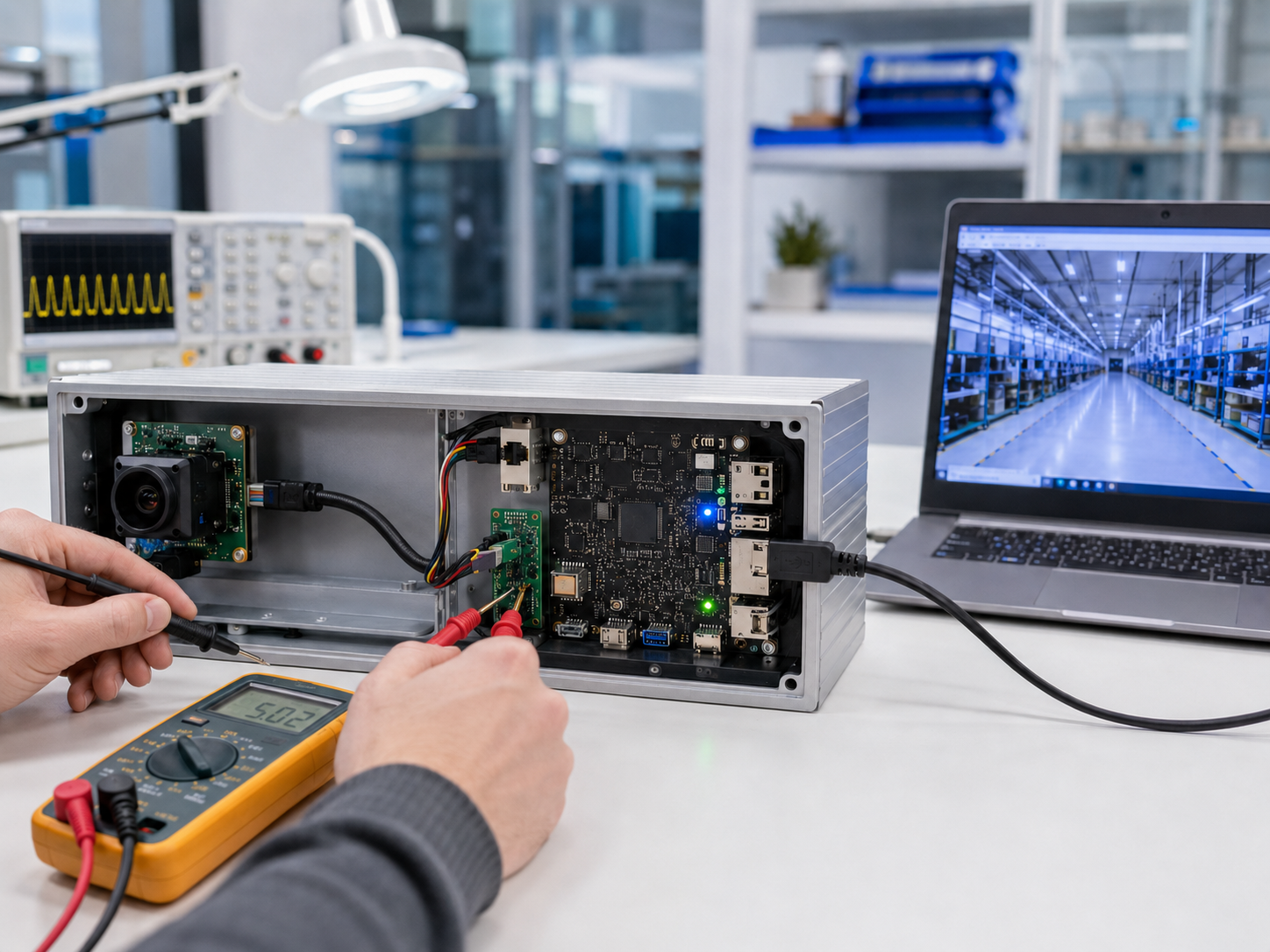
To evaluate a suitable module, provide:
These details help determine whether a standard module can be used or whether the firmware, PCB, lens or mechanical structure needs to be customized.
A UVC camera module communicates through the USB Video Class standard and can normally use the UVC driver built into the operating system. For conventional computer applications, this often provides a convenient plug-and-play experience.
However, UVC compatibility does not guarantee that every resolution, frame rate, video format and camera function will work on every device.
True plug-and-play performance depends on the complete combination of the camera module, firmware, USB host, operating system, bandwidth, power supply, cable and application software.
Before mass production, the safest approach is to confirm the target platform and performance requirements, then test the camera inside the final device.
If you are developing a product that requires a USB camera module, please share your application, operating system, mainboard, resolution, frame rate, lens requirements, cable length and special functions. Krieer can help evaluate the UVC camera module, lens, firmware and USB compatibility before prototyping and mass production.


