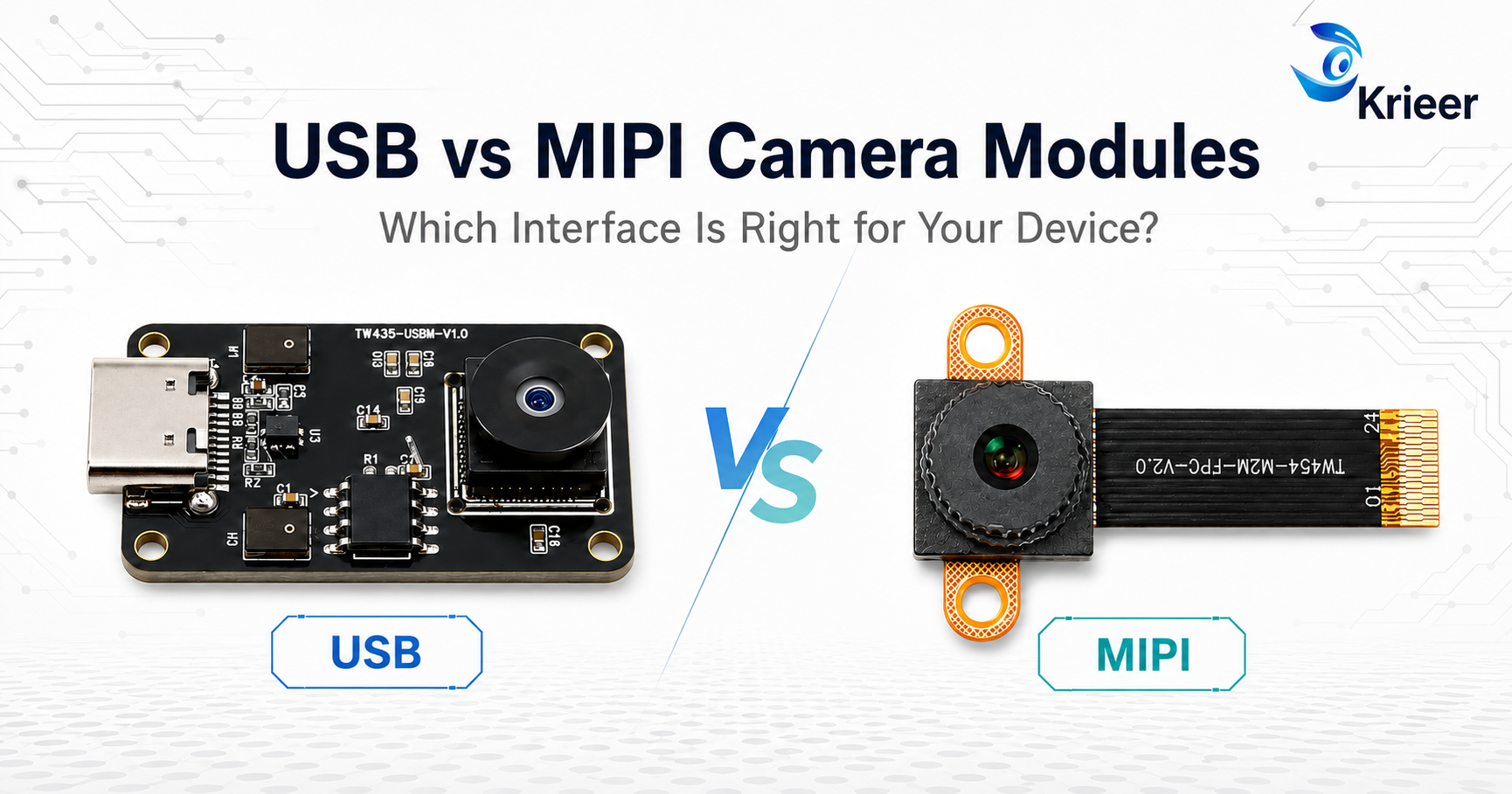
You have selected the resolution, image sensor and lens—but there is still one important decision:
Should your device use a USB or MIPI camera module?
Choose USB, and your product development may be faster. Choose MIPI, and your device may become smaller and more power-efficient.
But if the camera interface does not match your host platform, even the right sensor may not work properly in your device.
Here is the quick answer:
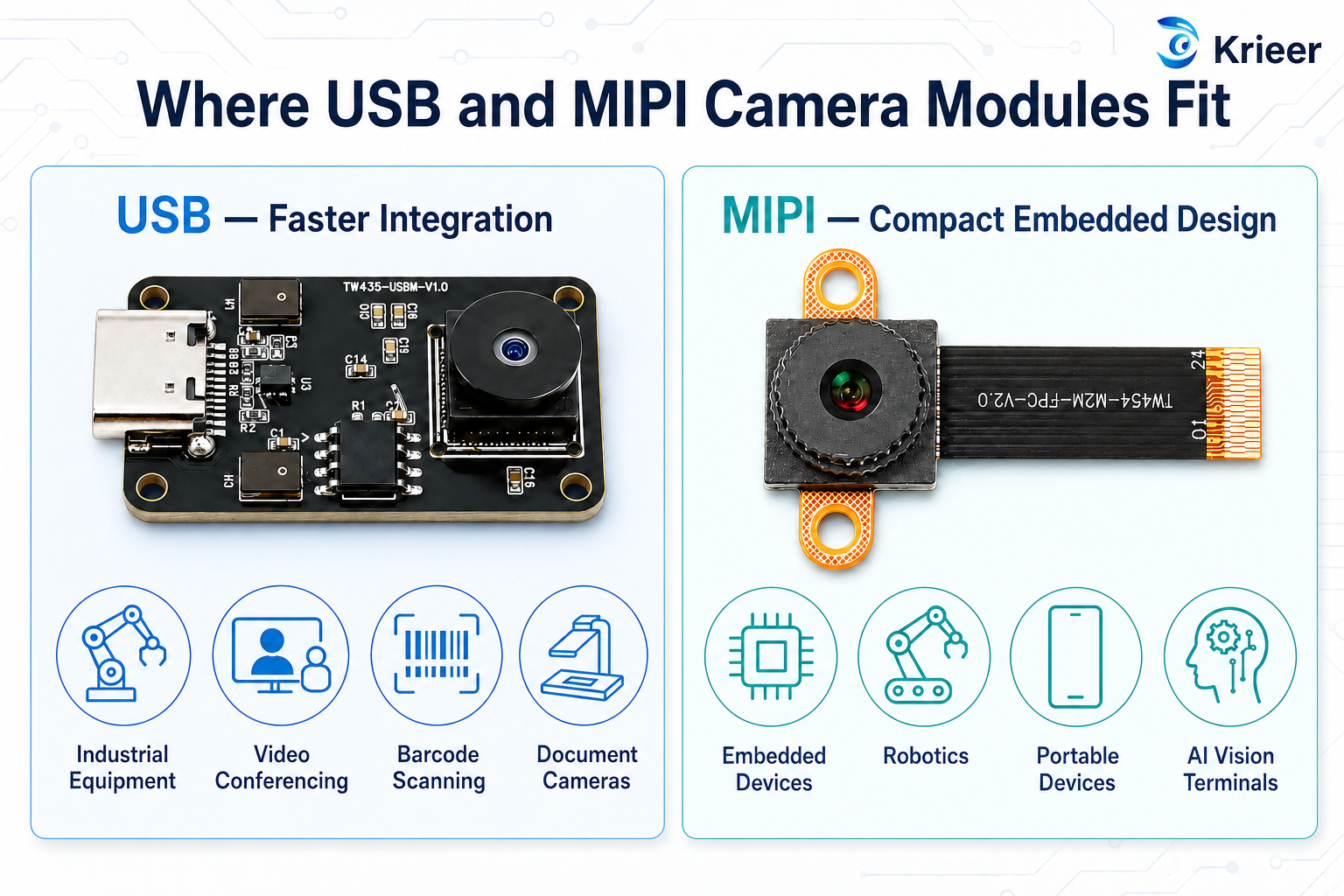
Let’s look at the differences and find the right option for your project.
A USB camera module connects to a computer, industrial mainboard or embedded device through USB 2.0 or USB 3.x.
Many USB modules support the UVC standard. This means compatible Windows, Linux and Android systems can often recognize the camera as a standard video device without requiring a specially developed driver.
USB camera modules are commonly used in:
The main advantage is simple: USB can help you build and test a camera product faster.
A MIPI camera module usually connects directly to an embedded processor or SoC through a MIPI CSI-2 interface.
It is smaller and usually consumes less power, but it requires closer cooperation between the camera, processor, sensor driver and ISP.
MIPI camera modules are commonly used in:
The key advantage of MIPI is that it can provide a compact, highly integrated camera design.
|
Comparison |
USB Camera Module |
MIPI Camera Module |
|
Integration |
Easier and faster |
Requires hardware and software adaptation |
|
Driver |
Many models support UVC |
Usually platform-specific |
|
Cable length |
More flexible |
Better for short internal connections |
|
Product size |
Usually larger |
More compact |
|
Power consumption |
Generally higher |
Generally lower |
|
Image processing |
Often handled by the camera module |
Usually handled by the host ISP |
|
Development speed |
Faster for prototypes |
Longer integration process |
|
Best suited for |
External and industrial devices |
Embedded and portable devices |
Actual performance depends on the sensor, resolution, frame rate, interface version and host platform.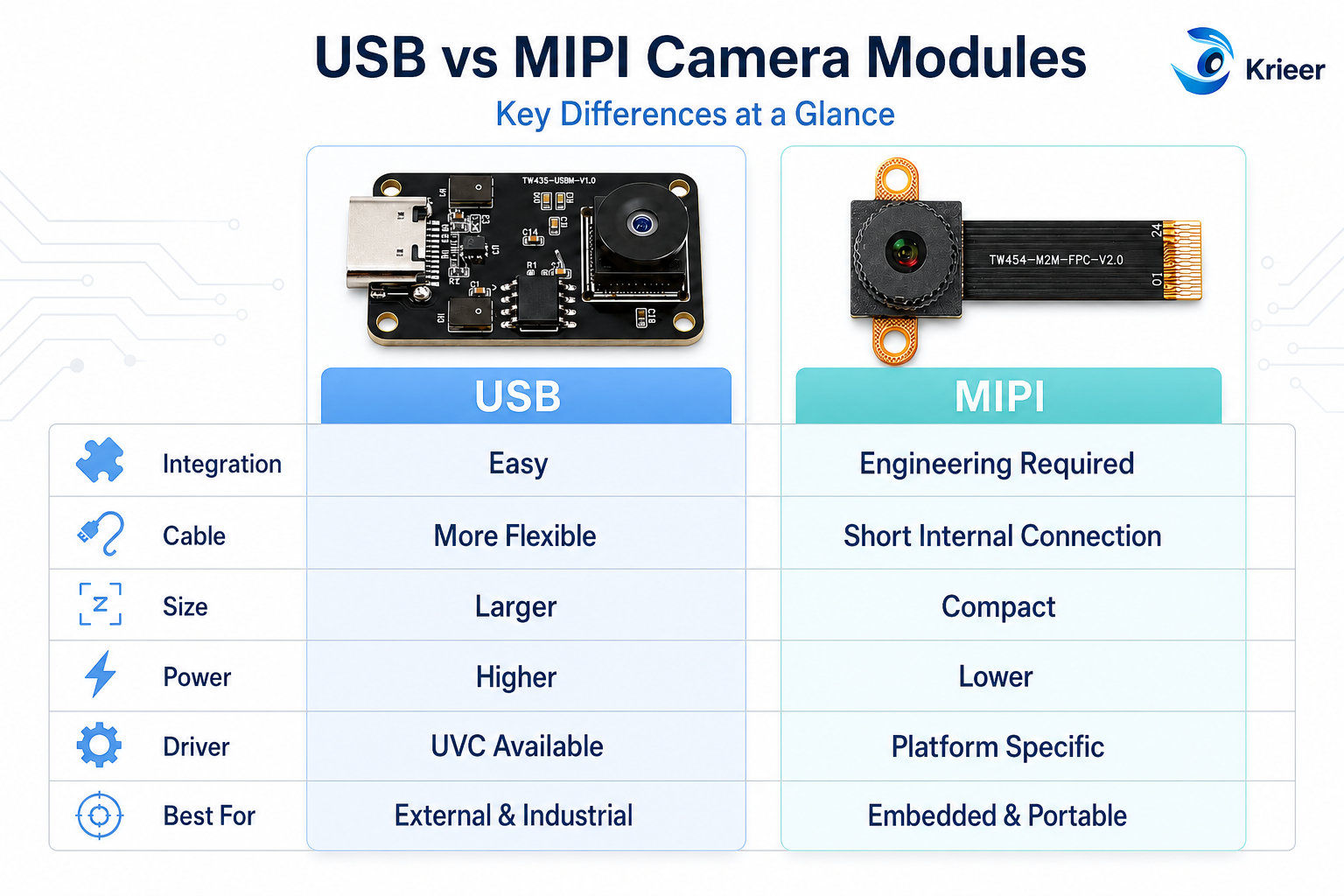
Imagine you are developing a barcode scanner, industrial machine or video-conferencing device.
The camera may be installed away from the mainboard, and your engineering team wants to test the image quickly. In this situation, USB is usually the more practical choice.
A USB camera module may be suitable when:
For many new products, USB provides a lower-risk starting point. You can test the image, application and market before investing in deeper customization.
Now imagine you are developing a portable smart device or compact robot.
The camera is installed close to the processor, internal space is limited, and the product needs to consume as little power as possible. MIPI may be the better option.
A MIPI camera module may be suitable when:
MIPI is powerful, but compatibility must be checked before the camera module is selected.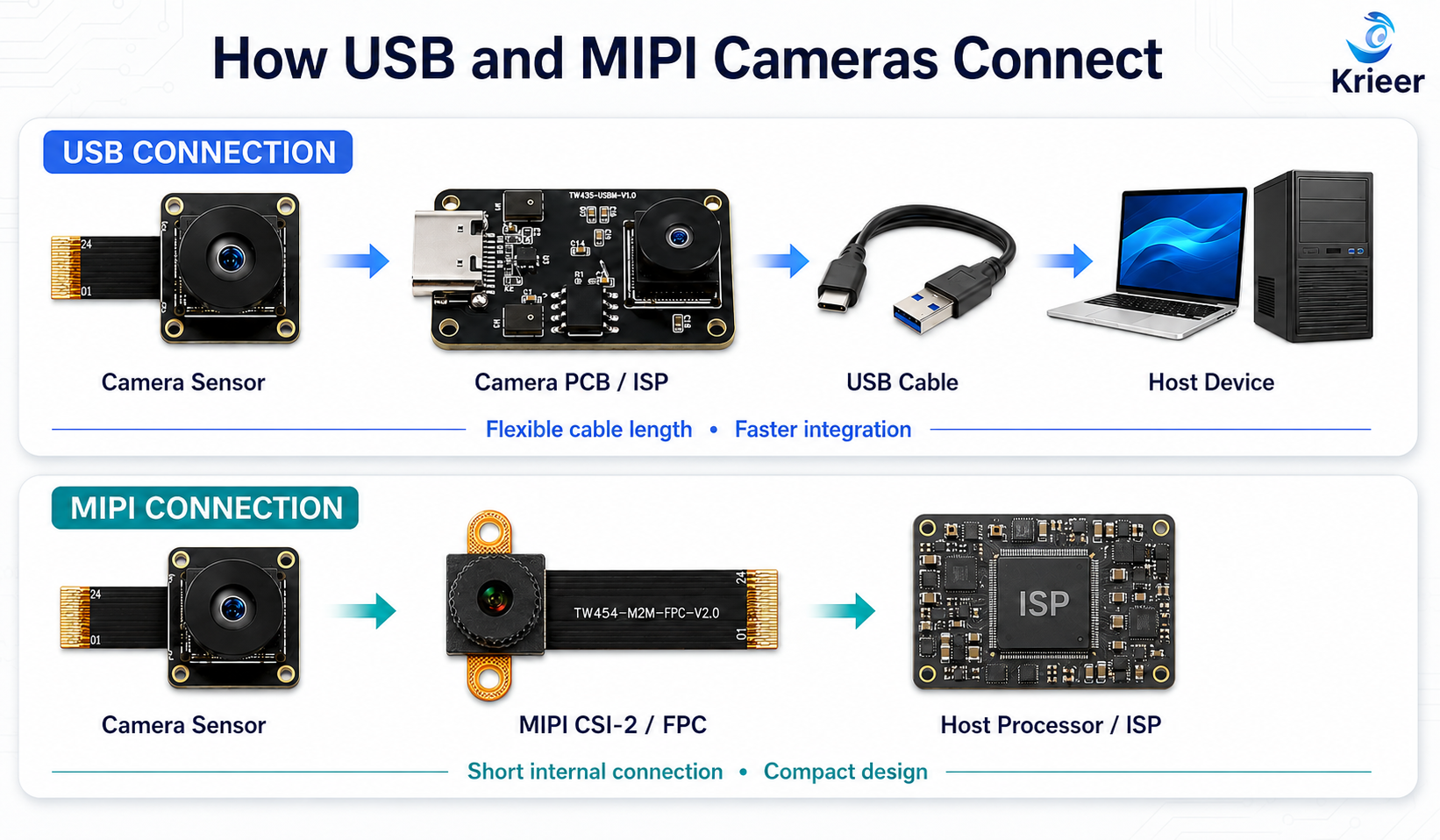
One common mistake is assuming that all MIPI camera modules are interchangeable.
They are not.
Two devices may both have a MIPI CSI-2 interface but support different sensors, lane configurations, voltages, clocks, connectors or drivers.
Before choosing a MIPI camera module, confirm:
Providing only the required resolution is usually not enough to confirm MIPI compatibility.
Not necessarily.
The interface does not determine image quality by itself. Image performance is also affected by:
A well-tuned 2MP camera may produce a more useful image than a poorly tuned 4K camera.
Therefore, do not select a camera module based only on interface type or resolution. The complete imaging solution must match the real application.
To receive a more accurate recommendation, prepare the following information:
This information helps the supplier evaluate whether an existing USB or MIPI camera module can be used—or whether a customized solution is required.
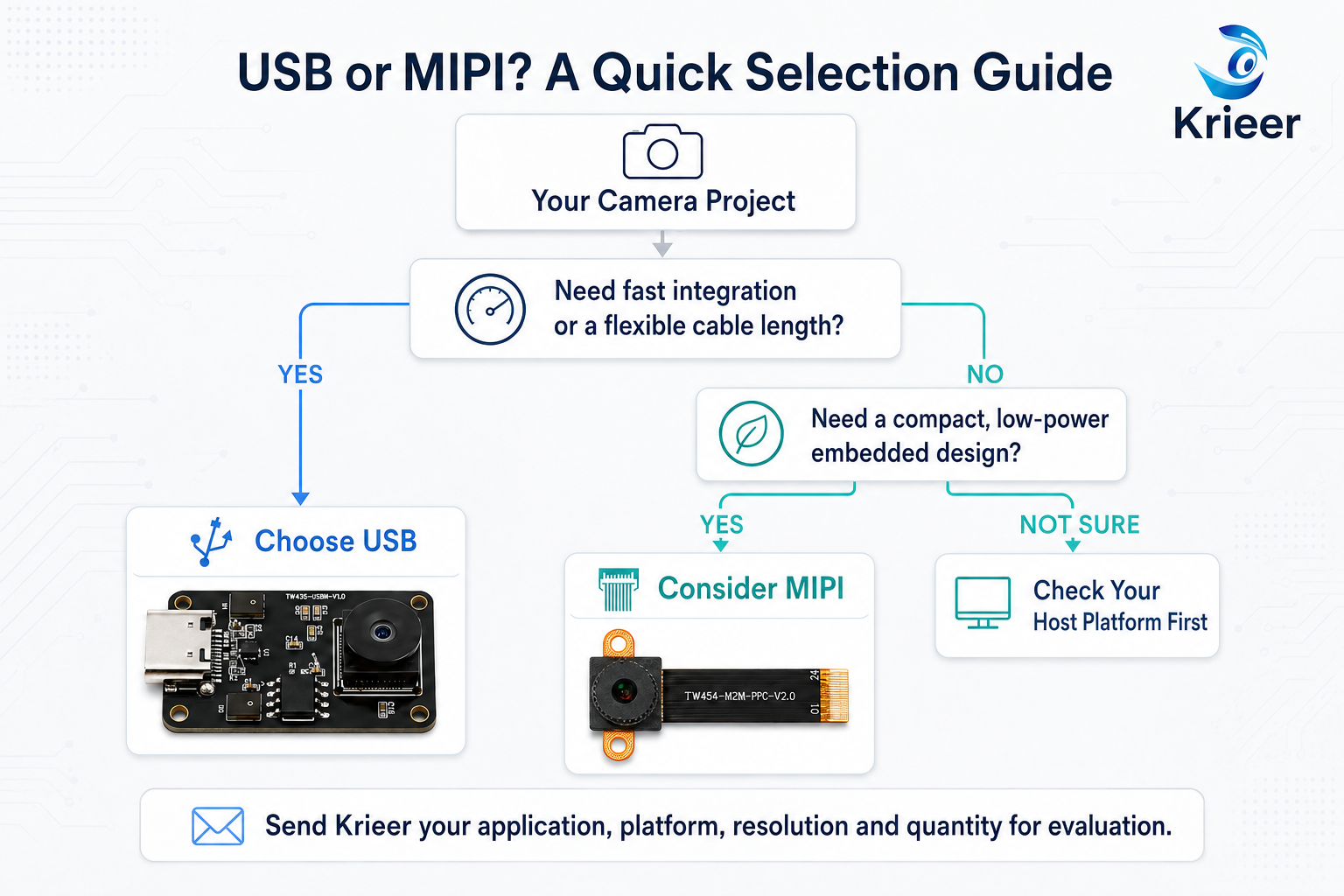
There is no universal winner between USB and MIPI.
Choose USB if you need:
Choose MIPI if you need:
The correct choice depends on your device structure, host platform and development capability—not just the camera specifications.
With 18 years of camera-industry experience, Krieer provides USB and MIPI camera modules for industrial equipment, smart hardware, video communication, scanning, medical and other specialized applications.
We support:
Send us your application, host platform, required resolution, reference image and estimated quantity. Our team will help you evaluate a suitable camera solution.


