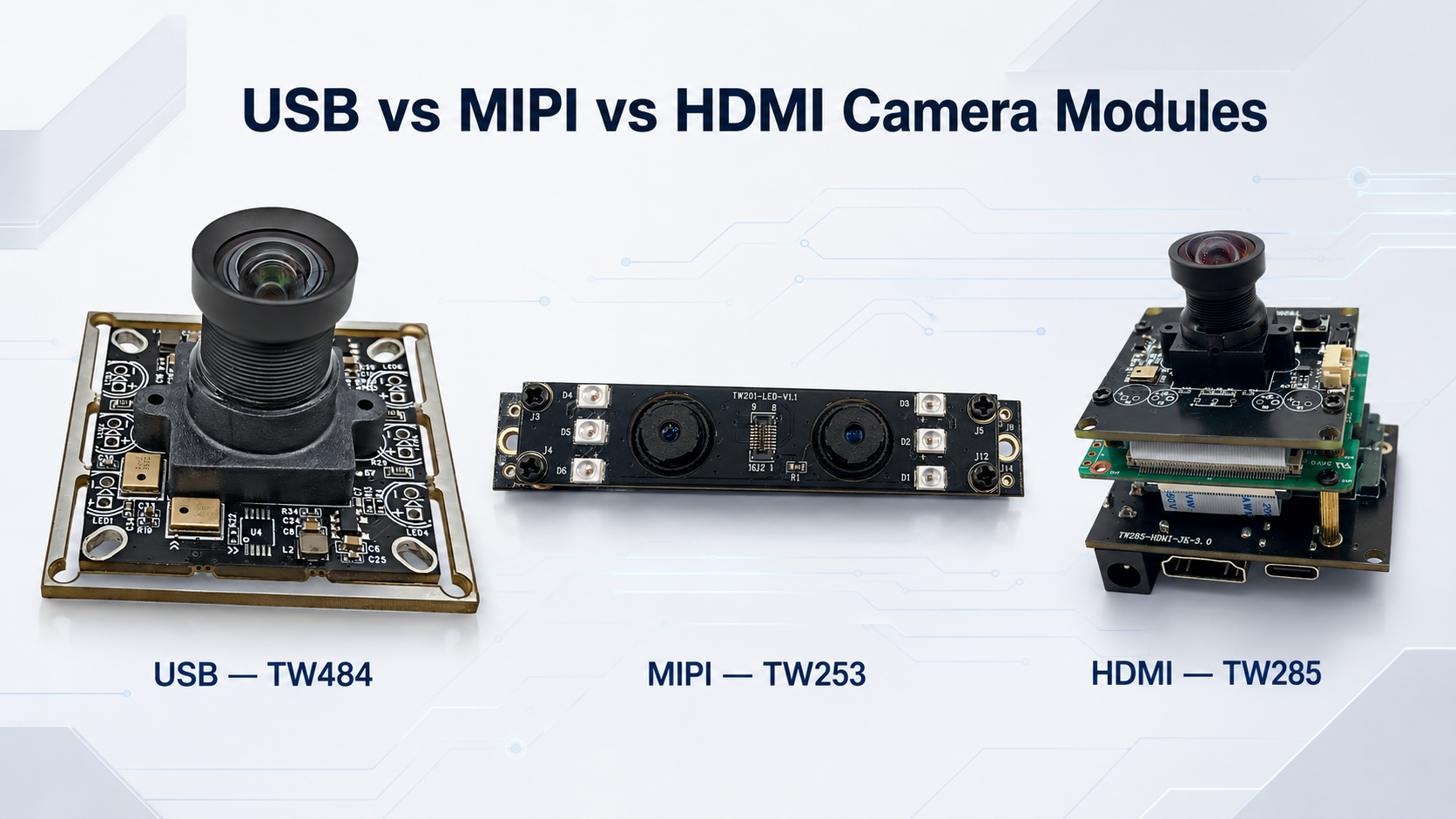
When selecting a camera module, resolution is not the only factor to consider.
USB, MIPI, and HDMI camera modules may use similar image sensors, but they differ significantly in compatibility, hardware design, software development, power consumption, and application.
Choosing the wrong interface may increase development time, cause compatibility problems, or make the final product more expensive. This guide explains the main differences and helps you select the right interface for your device.
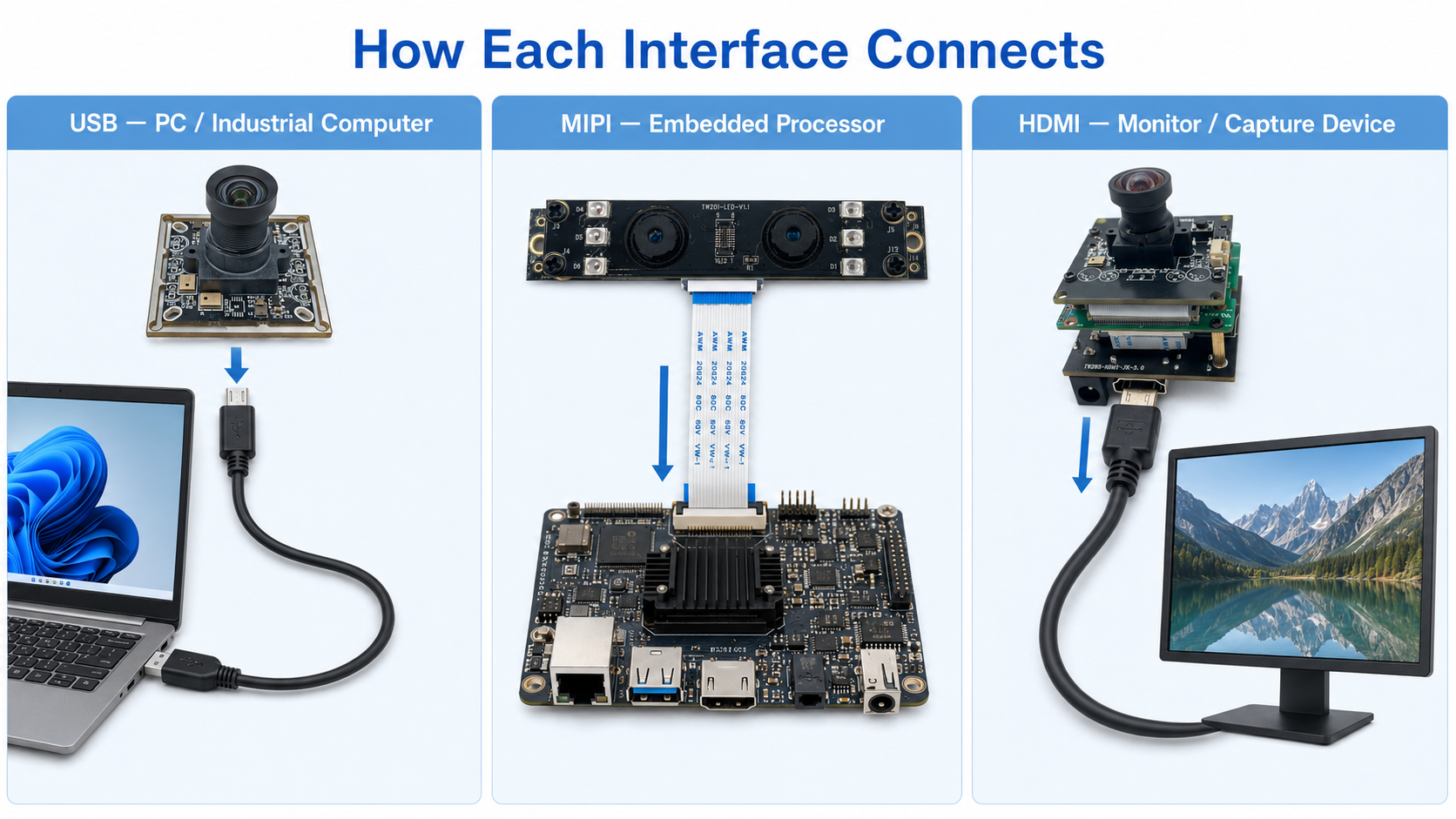
A USB camera module transfers video to a computer, industrial PC, Android device, or another USB host.
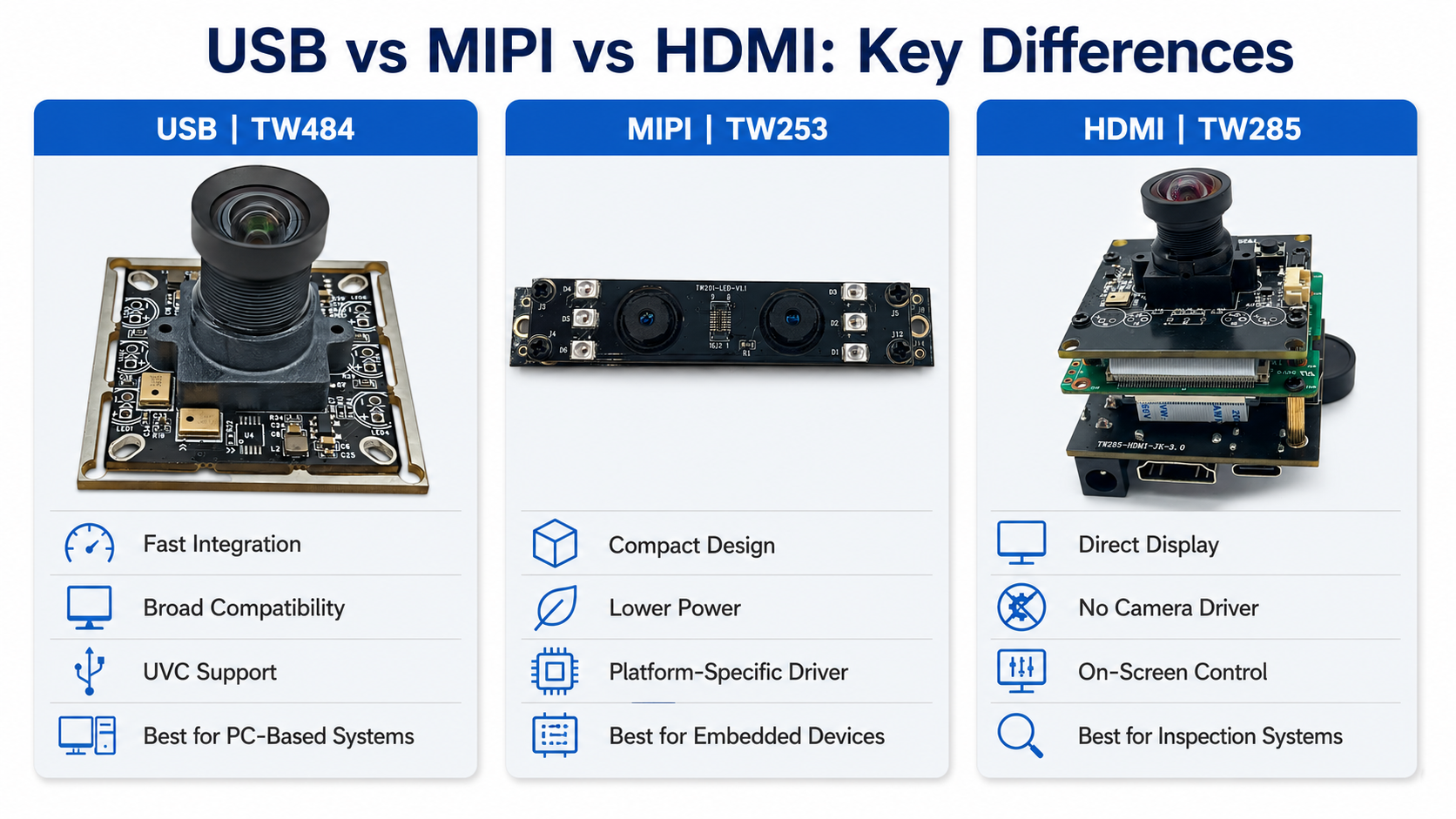
Many USB camera modules support the UVC standard, allowing them to work with compatible Windows, Linux, and Android systems without developing a completely new camera driver.
Common advantages include:
USB camera modules are commonly used in barcode scanners, industrial computers, smart terminals, document scanners, medical equipment, microscopes, and robotics.
USB is usually suitable when the device already has a USB host and the customer wants to complete sampling and product development more quickly.
A MIPI camera module normally transfers raw or partially processed image data through MIPI CSI-2 to the main processor.
Compared with USB, MIPI integration depends more heavily on the host platform. The processor, operating system, sensor driver, ISP, device tree, and connector definition must be compatible.
MIPI camera modules are widely used in:
Their main advantages are compact size, low power consumption, and close integration with embedded processors. However, development is usually more complex than with USB.
Before selecting a MIPI module, confirm the processor model, development board, operating system, supported sensor, number of MIPI lanes, driver availability, FPC pin definition, resolution, and frame rate.
A similar-looking connector does not guarantee compatibility.
An HDMI camera module outputs video directly to a monitor, capture card, or recorder.
It normally integrates the sensor, lens, image processing, and HDMI output circuit. This allows the image to be displayed without developing a camera driver for a computer or embedded operating system.
HDMI camera modules are commonly used in:
Depending on the solution, they may also support on-screen menus, image storage, crosshairs, zoom, measurement functions, or simultaneous HDMI and USB output.
HDMI is practical when direct display is the priority, but it is usually less suitable for very small, low-power embedded products.
|
Comparison |
USB |
MIPI |
HDMI |
|
Interface |
USB 2.0/3.0 |
MIPI CSI-2 |
HDMI |
|
Typical connection |
PC, industrial PC or USB host |
Embedded processor or SoC |
Monitor, capture card or recorder |
|
Development difficulty |
Relatively low |
Usually higher |
Low for direct display |
|
Driver requirements |
Often UVC-compatible |
Platform-specific driver |
No camera driver for direct display |
|
Image processing |
Usually inside the module |
Usually handled by the host ISP |
Usually inside the module |
|
Power consumption |
Moderate |
Usually lower |
Usually higher |
|
Connection distance |
Suitable for external connection |
Short internal connection |
Suitable for external video output |
|
Main advantage |
Fast integration and compatibility |
Compact embedded integration |
Direct video display |
|
Typical use |
Scanners, terminals and industrial PCs |
Robots, AI devices and wearables |
Microscopes and inspection systems |
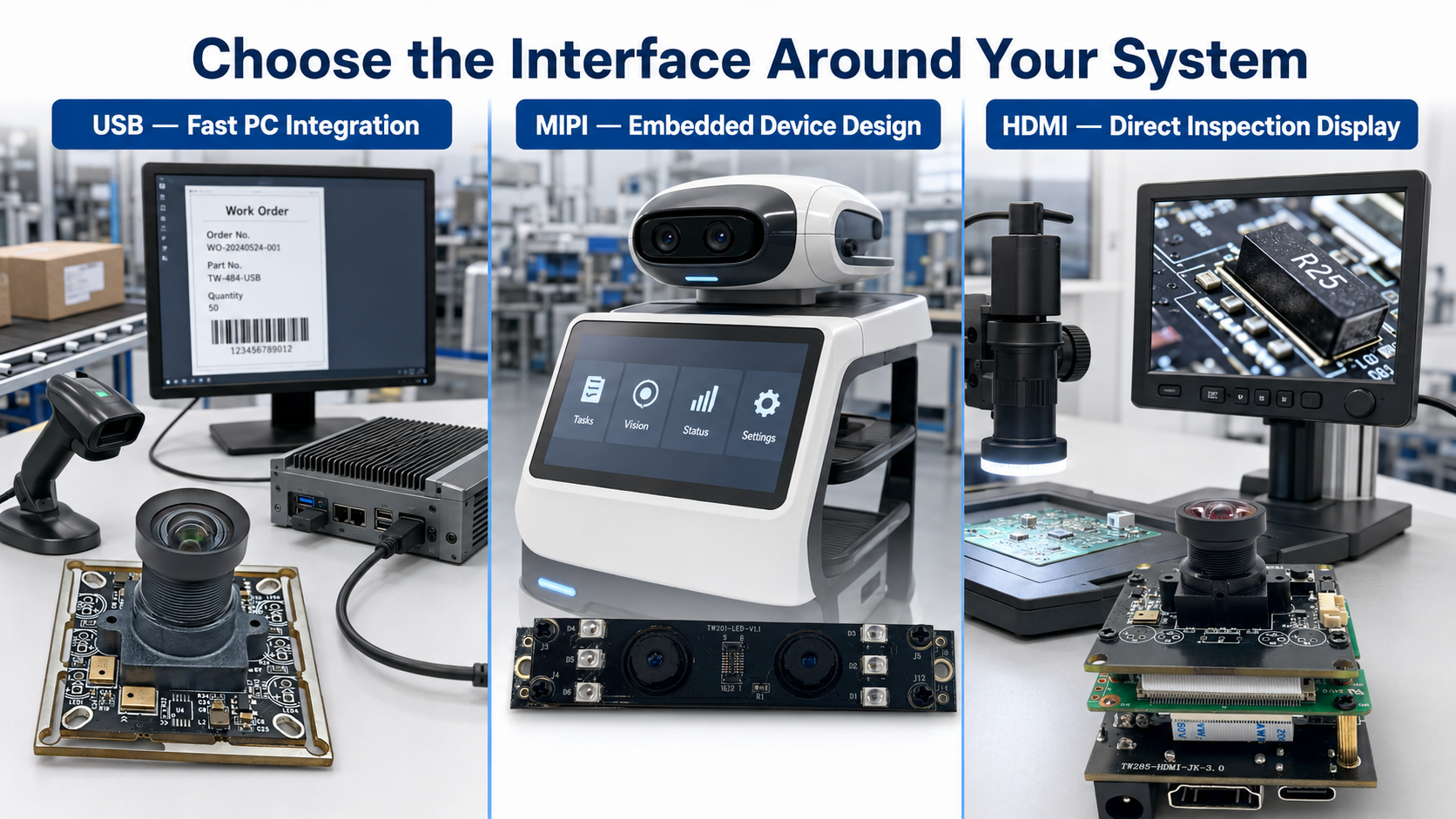
No interface is the best choice for every project. The correct option depends on the host platform, product structure, development capabilities, and final application.
Choose a USB camera module when:
For example, a barcode-scanning system connected to an industrial PC can use a USB camera module to deliver video directly to the recognition software.
USB is also useful for evaluating image quality before developing a more deeply integrated camera solution.
Choose a MIPI camera module when:
MIPI is often selected for robots, portable equipment, smart hardware, and mass-produced embedded products.
However, the processor platform and driver support should be confirmed before choosing the sensor. Otherwise, integration may require significant additional development.
Choose an HDMI camera module when:
For example, a digital microscope can use an HDMI camera module to display a magnified image directly on a monitor, simplifying the overall system.
Higher resolution and frame rate require more transmission bandwidth and processing performance.
Before selecting a camera module, confirm:
A specification may list several resolutions and frame rates, but not every combination is necessarily supported. The exact output mode should be confirmed before sample development.
Latency is also affected by exposure time, image processing, compression, buffering, software, and display equipment. It should be evaluated using the complete camera system rather than the interface name alone.
Before choosing USB, MIPI, or HDMI, confirm:
These answers can quickly narrow down the appropriate interface.
Choose USB for broad compatibility, faster integration, and easier development.
Choose MIPI for compact embedded integration, lower power consumption, and direct connection to a supported processor.
Choose HDMI when the image needs to be displayed directly on a monitor, capture card, or recorder.
The final selection should also consider the image sensor, lens, field of view, working distance, lighting, autofocus requirements, PCB dimensions, and operating system.
Krieer provides USB, MIPI, and HDMI camera module solutions for industrial equipment, robotics, barcode scanning, smart terminals, medical imaging, microscopes, and embedded products.
We can assist with:
To recommend a suitable module, please provide your application, host platform, operating system, resolution, frame rate, working distance, field of view, module dimensions, and estimated order quantity.


